Photo to Anime

Upload a photo and turn it into anime art with the AnimeGen photo to anime converter

How To Use

How to use the photo to anime converter

01

Upload your photo

use a clear, well-lit, front-facing photo; JPG / PNG / WebP up to 10MB; one subject per photo works best.

02

Choose an anime style

pick a style preset (modern TV anime, 90s cel, watercolor, cyberpunk) and an aspect ratio that matches your original photo.

03

Generate and download

the converter redraws your photo in anime style, keeps the pose and face, and gives you a downloadable high-resolution image.

Tip: photos with a clear face, good lighting, and minimal background noise convert much better. Avoid heavy filters and group shots where faces are small.

See a photo turn into anime art

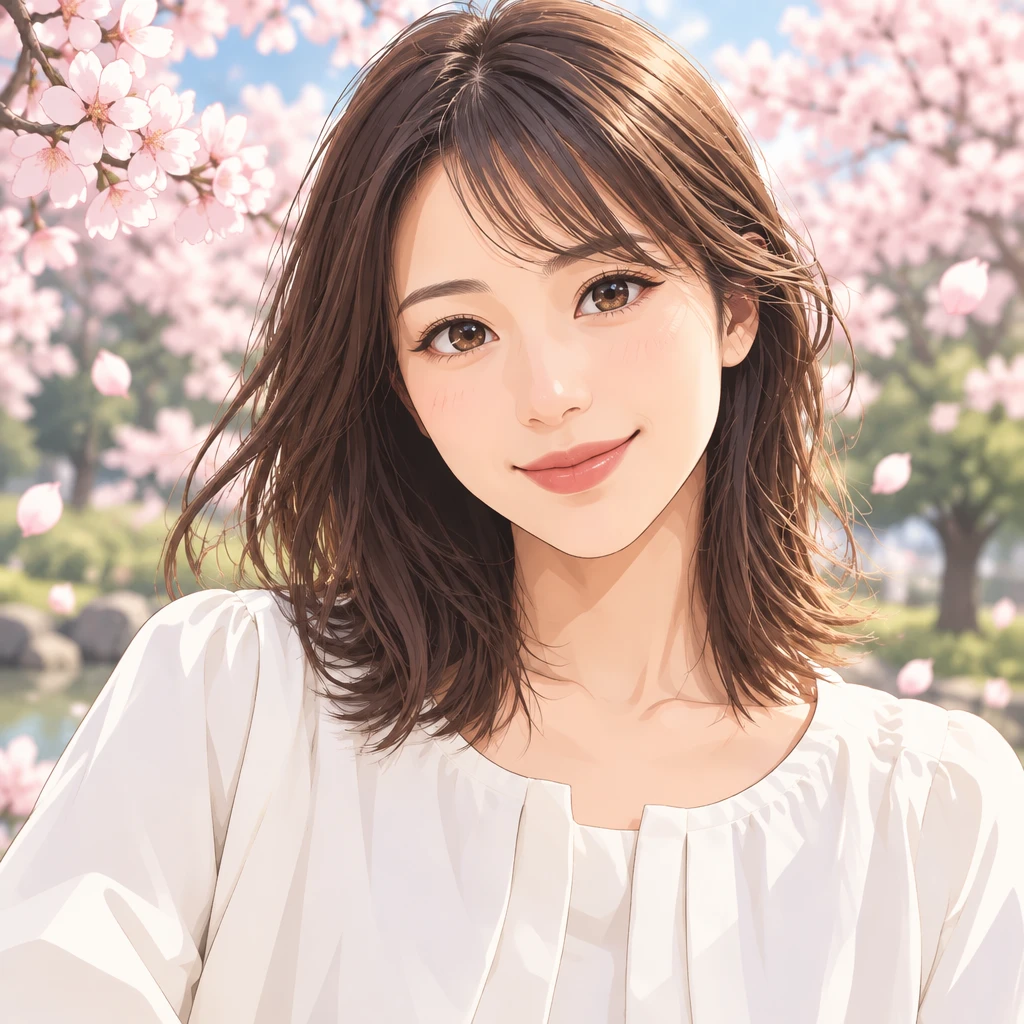
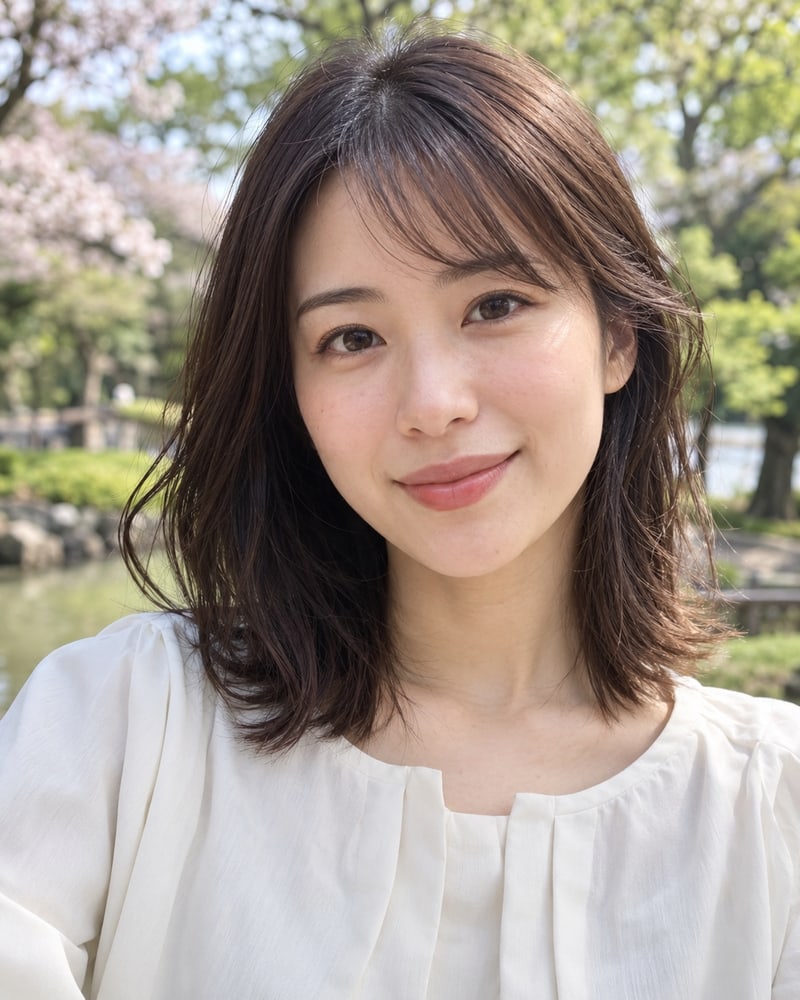
Selfie to anime portrait

Sample prompt: Clean modern anime portrait, soft cel shading, detailed eyes, natural skin tones, simple sakura background

Modern animeSoft cel shadingPortrait

Model: GPT Image 2.5 | Ratio: 2:3

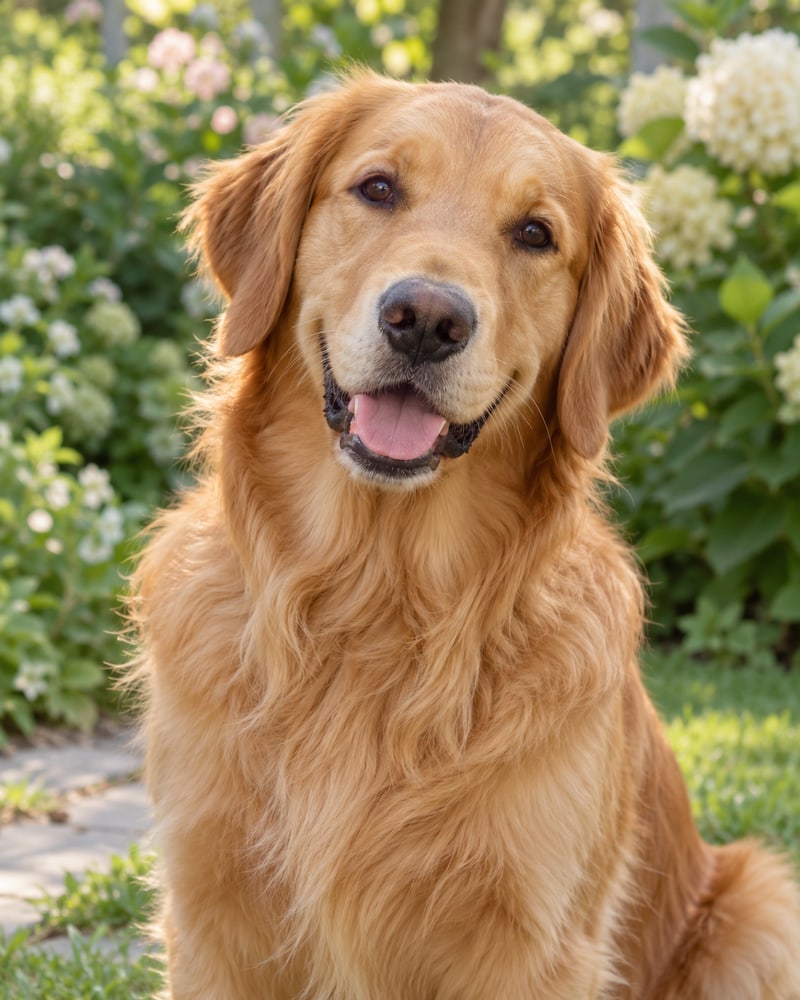
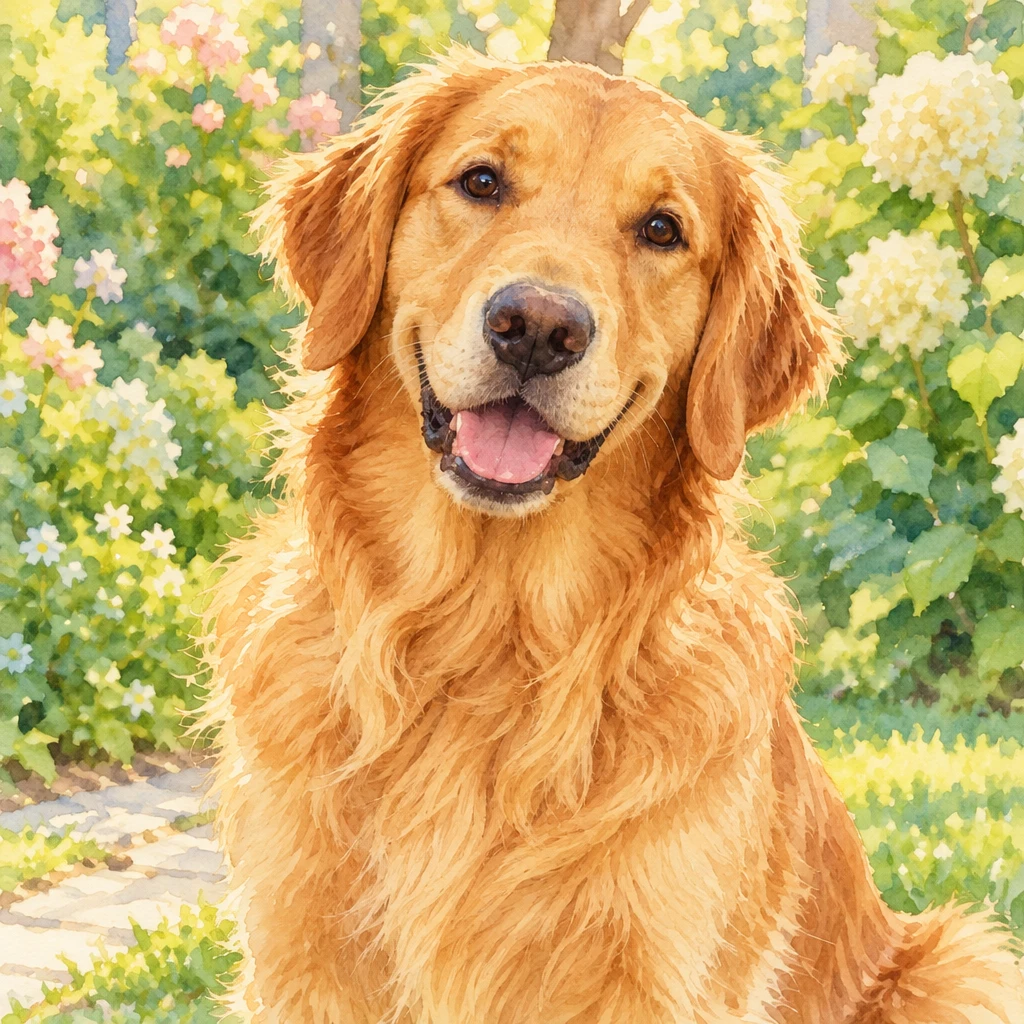
Pet photo to anime

Sample prompt: Warm watercolor anime illustration, preserve the pet's markings and expression, soft garden background

Watercolor animePet markingsSoft background

Model: Seedream 5 Pro | Ratio: 1:1

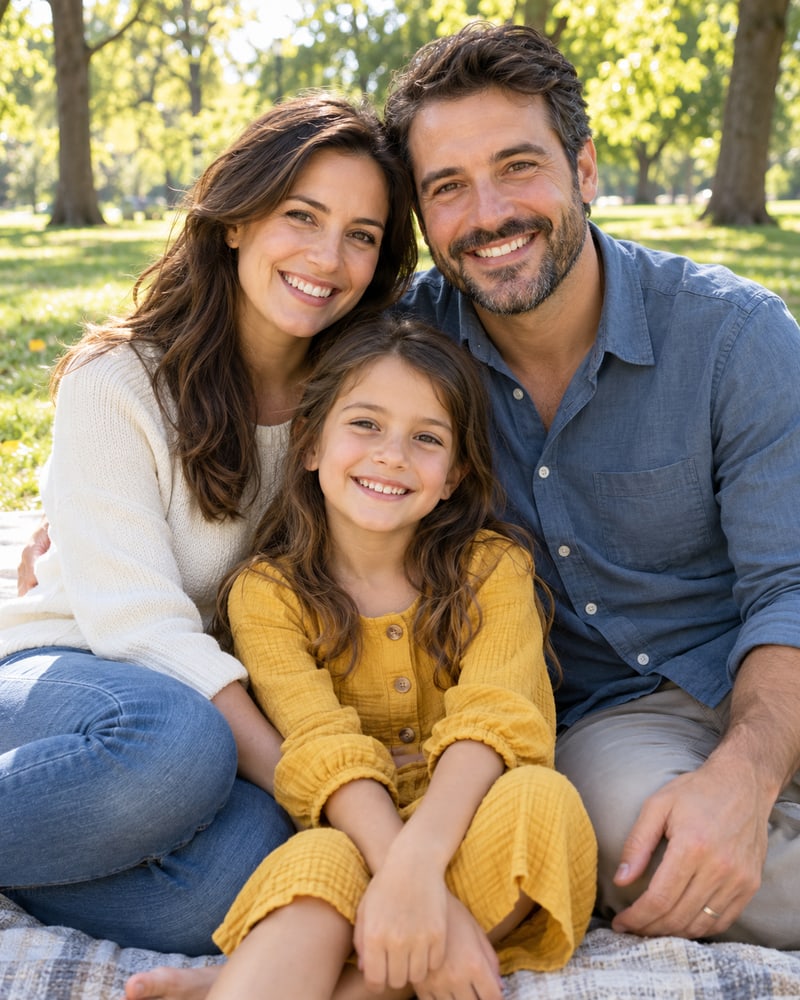
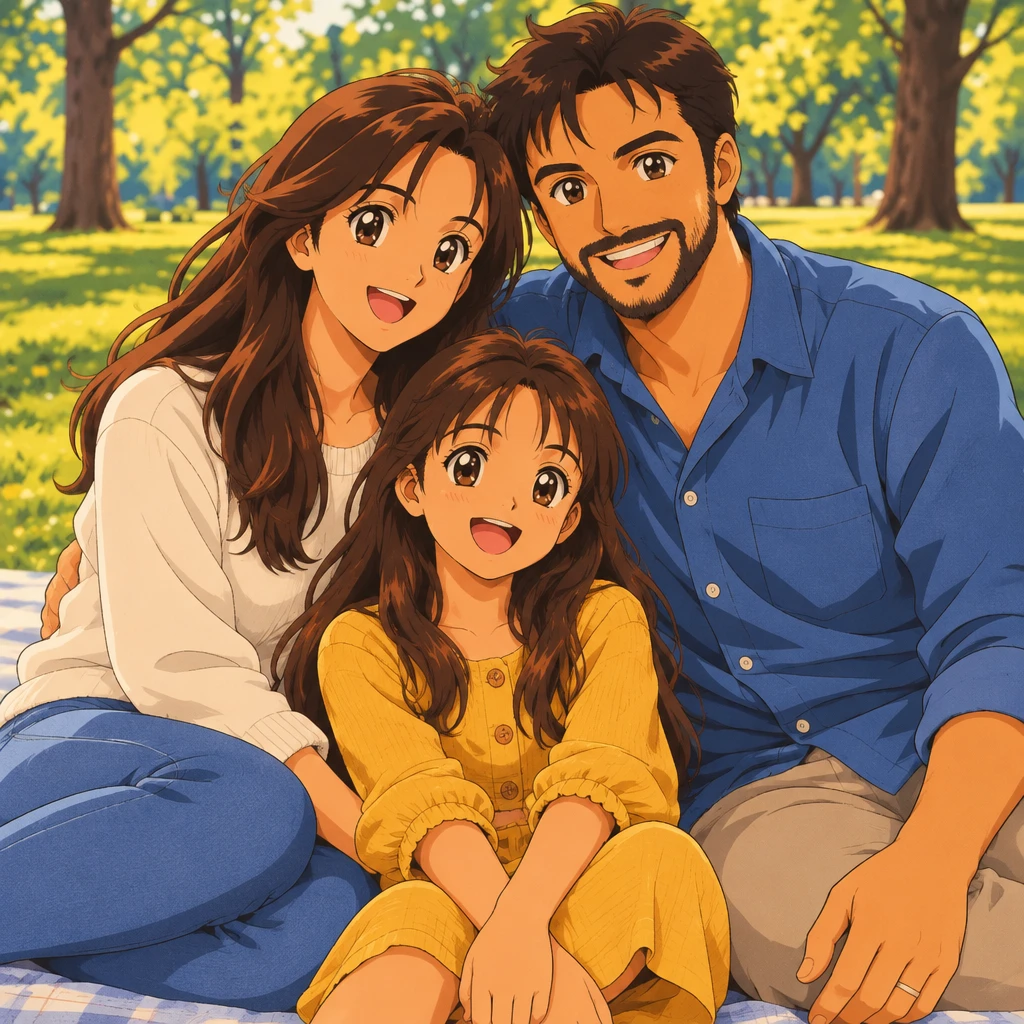
Family photo to anime scene

Sample prompt: 90s cel anime family scene, keep each person's pose and clothing colors, warm afternoon light

90s cel animeFamily sceneWarm light

Model: Flux 2 Max | Ratio: 3:2

Photo to Anime vs Image to Anime

Photo to anime and image to anime describe the same task: converting an existing picture into an anime style. People often say photo to anime for portraits and camera shots, while image to anime can also refer to illustrations, scans, or other source files. Both are handled by this same page, with the uploaded picture guiding the subject, pose, and composition.

If you do not have a source photo, use the AI Anime Generator to create anime art from a text description instead.

Photo to Anime Features for a Faithful Likeness

Keeps the Likeness

face shape, hairstyle, expression and pose from the original photo are preserved rather than replaced.

01

Style Presets

switch between anime styles without re-uploading; compare results side by side.

02

Works With Any Photo

phone shots, scanned prints, old photos; landscape and portrait both supported.

03

Fast, High-Resolution Output

finished in seconds, download at full resolution for printing or profile use.

04

Wählen Sie Ihren Plan

Flexible Preisoptionen für verschiedene Bedürfnisse

Starter
9,99 $7,99 $/Monat
95,90 $ jährlich abgerechnet

Für gelegentliche Creator

  • 400 Credits / Monat
  • Automatische Verlängerung
  • Standard-Support
  • Schnelle Warteschlange
  • Angepasste Anforderungen
Am beliebtesten
Pro
19,99 $15,99 $/Monat
191,90 $ jährlich abgerechnet

Das beste Preis-Leistungs-Verhältnis für Anime-Liebhaber

  • 1000 Credits / Monat
  • Automatische Verlängerung
  • Prioritäts-Support
  • Schnelle Warteschlange
  • Angepasste Anforderungen
Ultra
39,99 $31,99 $/Monat
383,90 $ jährlich abgerechnet

Entwickelt für Power-User

  • 3000 Credits / Monat
  • Automatische Verlängerung
  • Dedizierter Support
  • Schnelle Warteschlange
  • Angepasste Anforderungen

Mehr AnimeGen-Produkte entdecken

Finde passende Tools für Szenen, profilfertige Avatare und originale Anime-Charaktere je nach deinem aktuellen Ziel.

  • Hauptprodukt

    KI-Anime-Generator

    Erstelle Anime-Szenen, Illustrationen und Konzeptvisuals aus Textprompts mit flexiblen Modellen und Formaten.

    AI Anime Generator
  • Foto-Konverter

    Foto zu Anime

    Lade ein vorhandenes Foto hoch und zeichne es im Anime-Stil neu, während Motiv, Pose und erkennbare Details erhalten bleiben.

    Foto umwandeln
  • Cartoon-Tool

    KI-Cartoon-Generator

    Erstelle farbige Cartoon-Charaktere, spielerische Szenen und stilisierte Illustrationen mit saubereren Konturen und klaren Formen.

    Cartoon-Art erstellen
  • Avatar-Tool

    KI-Anime-Avatar-Generator

    Erzeuge klare Anime-Avatare für Social Profiles, Creator-Branding und Community-Auftritte mit stärkerem Portraitfokus.

    anime avatar generator
  • Charakter-Tool

    KI-Anime-Character-Generator

    Entwirf originale Anime-Charaktere mit klaren Outfits, ausdrucksstarken Posen und passenden Konzept-Kompositionen für Games und Stories.

    anime character generator
  • Wallpaper-Tool

    KI-Anime-Wallpaper-Generator

    Erstelle Anime-Wallpaper mit klarerem Charakterfokus, sauberer Screen-Komposition und flexiblen Formaten fur Desktop und Handy.

    Wallpaper erstellen
  • Text zu Video

    KI-Anime-Video-Generator

    Erstelle aus Prompts kurze Anime-Videos mit Bewegung, Kamera und starker Stimmung.

    Turn anime images into video

Photo to Anime FAQ

A photo to anime converter uses an AI image model to redraw an existing picture in an anime style. It uses the uploaded photo as a visual reference for the subject, pose, framing, and recognizable details.

Upload a JPG, PNG, or WebP photo, choose a model and aspect ratio, then click Generate. The style prompt is optional, so you can generate from the photo alone or describe a specific anime look.

The converter is designed to preserve recognizable details such as face shape, hairstyle, expression, and pose, but AI results can vary. A clear, front-facing photo and a short style direction usually produce a closer likeness.

Use a clear, well-lit photo with the subject facing the camera and minimal background clutter. Avoid heavy filters, motion blur, and group shots where faces are small.

New users receive 5 free credits to try image generation. Monthly plans are Starter at $9.99, Pro at $19.99, and Ultra at $39.99 when you need more credits and features.

Uploaded images and reference files are stored temporarily for processing and deleted within 24 hours. We do not sell or share your images or prompts with third parties; processing occurs on secure servers with encryption, and prompts and images may be scanned to enforce policy and prevent abuse. Your content is not used to train our models without explicit consent, and you can request deletion at any time.

Yes, the terms allow personal and commercial use, and you own the rights to files generated with the service. You remain responsible for having the right to upload the source photo and for following intellectual property, consent, and acceptable-use rules.