AI Anime Generator

Turn your imagination into vivid anime art with just a few words

Text to VideoHotImage to VideoHot

How To Use

How to use the AI Anime Generator

Go from idea to finished anime image in three simple steps with the AI Anime Generator, whether you are testing styles or building a final concept with the AI Anime Generator.

01

Write a clear prompt

Describe the subject, style, lighting, mood, and scene so the AI Anime Generator has enough direction to create a strong result.

02

Choose model and ratio

Pick the model that matches your goal, then select the aspect ratio that fits portraits, posters, banners, or widescreen scenes.

03

Generate and download

Start the generation, review the result, and download the final anime image when it matches the look you want.

Tip: Strong prompts usually combine subject + style + lighting + environment so the AI Anime Generator can deliver more stable anime output.
Anime characterSample prompt
Kimono heroine in a spring breeze
anime heroine in a floral kimono, cherry blossoms, soft pastel light, long hair, expressive eyes, drifting petals, cinematic bokeh
Anime portraitSoft lightCherry blossom
Model: AnimagineRatio: 2:3
Cyberpunk animeSample prompt
Cyberpunk Anime Character
full-body cyberpunk anime character, short dark hair, reflective visor, techwear jumpsuit with neon trim, holographic control room, cel shading, crisp linework
CyberpunkTechwearFull body
Model: Flux-2-MaxRatio: 16:9
Anime backgroundSample prompt
Japanese Anime Background
Japanese anime background art, sunlit tatami tea room, shoji windows, low table with a steaming teapot, warm afternoon light, hand-painted cel-shaded atmosphere
Anime backgroundTatami roomWarm light
Model: Seedream-4.5Ratio: 3:2

Prompt Showcase

See how a few words become anime art

Explore real prompt formats, model picks, and ratios that shape the final look.

Pick a model that fits your goal, from character sheets to cinematic scenes.
Use descriptive cues like lighting, mood, and camera to guide the style.
Choose a ratio that matches your output, from portrait to ultrawide.
Tip: Start with subject + style + lighting, then add environment and mood for tighter results.
01

Kimono heroine in a spring breeze

Create an anime heroine by defining her kimono, hair, expression, lighting, and a clear seasonal setting.
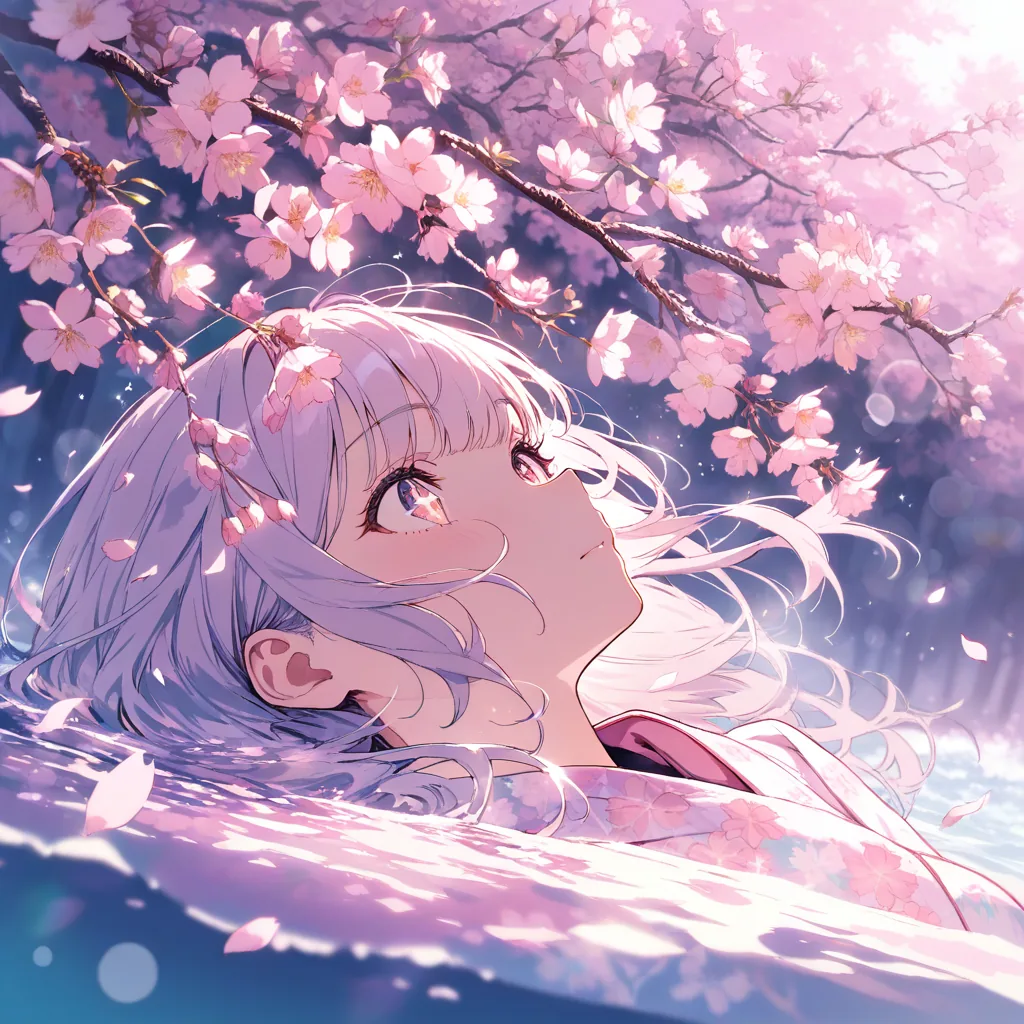
White-haired anime girl looking up beneath pink cherry blossoms
Kimono heroine beneath cherry blossoms, floral kimono, soft pastel light, expressive eyes, drifting petals, cinematic bokeh
02

Cyberpunk Anime Character

Use an outfit, pose, and a few futuristic props to make a cyberpunk character read clearly at a glance.
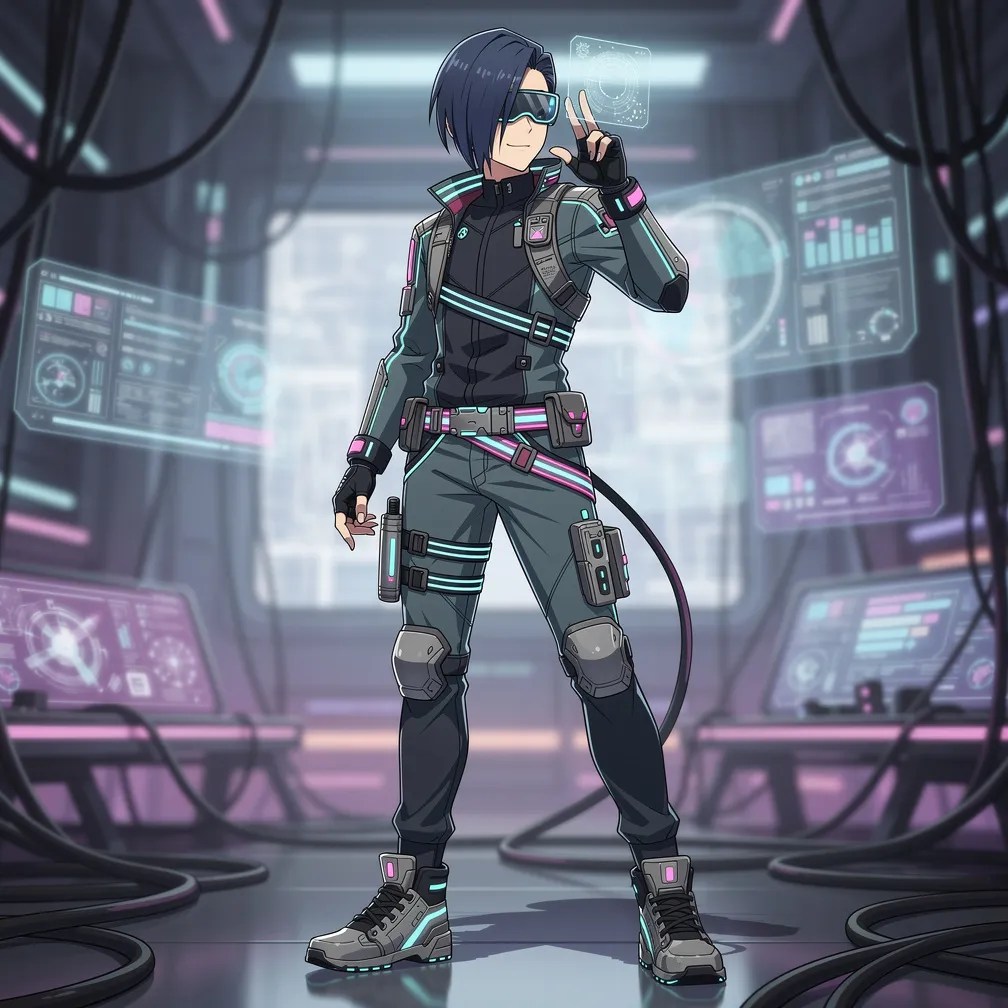
Full-body cyberpunk anime character in dark techwear with neon accents
Full-body cyberpunk anime character, visor, dark techwear with neon trim, holographic screens, clean cel shading
03

Japanese Anime Background

Set the scene with familiar Japanese details, a focused composition, and light that supports the mood of an anime story.
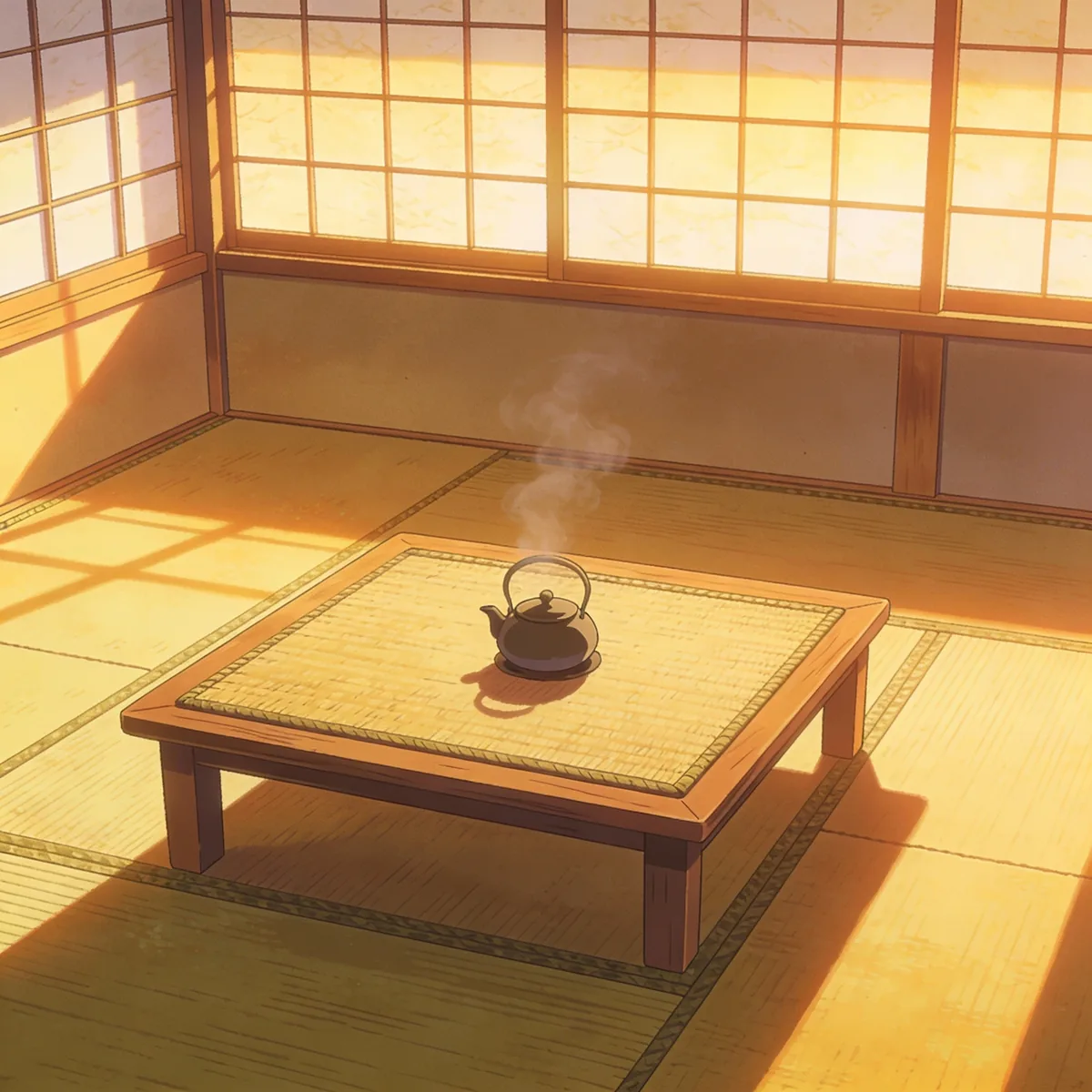
Sunlit tatami tea room with a steaming teapot in Japanese anime style
Japanese anime background, sunlit tatami tea room, shoji windows, steaming teapot, warm afternoon light, hand-painted cel shading

AI Anime Generator Features for Faster Creation

The AI Anime Generator turns text prompts into anime-style images with curated models, flexible ratios, and fast rendering you can trust, making the AI Anime Generator useful for both quick experiments and polished creative work.

Prompt Understanding

Describe style, lighting, mood, and subject so the AI Anime Generator delivers consistent anime visuals with fine detail and clean line work.

01

Multiple Model Choices

Pick the model that fits your goal, from character art to cinematic scenes and concept design, all tuned for the AI Anime Generator workflow.

02

Flexible Aspect Ratios

Generate portraits, posters, and widescreen frames with model-aware ratio options built for the AI Anime Generator.

03

Fast, High-Quality Output

Optimized pipelines deliver clean lines, rich color, and fast results so the AI Anime Generator keeps your anime artwork crisp.

04

Choose Your Plan

Flexible pricing options for different needs

Starter
$9.99$7.99/month
$95.90 billed annually

For casual creators

  • 400 credits / month
  • Auto-renewal
  • Standard support
  • Fast queue
  • Customized requirements
Most Popular
Pro
$19.99$15.99/month
$191.90 billed annually

Best value for anime lovers

  • 1000 credits / month
  • Auto-renewal
  • Priority support
  • Fast queue
  • Customized requirements
Ultra
$39.99$31.99/month
$383.90 billed annually

Built for power users

  • 3000 credits / month
  • Auto-renewal
  • Dedicated support
  • Fast queue
  • Customized requirements

Discover More AnimeGen Tools

Explore related anime image products for scene generation, profile-ready avatars, and original character design.

  • Cartoon Tool

    AI Cartoon Generator

    Create colorful cartoon characters, playful scenes, and stylized illustrations with a workflow tuned for clean outlines and readable shapes.

    Create cartoon art
  • Avatar Tool

    AI Anime Avatar Generator

    Generate polished anime avatars for social profiles, creator branding, and community identities with cleaner portrait framing.

    Create an avatar
  • Character Tool

    AI Anime Character Generator

    Design original anime characters with clear outfits, expressive poses, and concept-friendly compositions for games and stories.

    Design a character
  • Wallpaper Tool

    AI Anime Wallpaper Generator

    Create anime wallpapers with clearer character focus, cleaner screen composition, and flexible formats for desktop and mobile.

    Create a wallpaper
  • Text to Video

    AI Anime Video Generator

    Turn prompts into anime short videos with motion, camera direction, and polished scene mood.

    Generate anime video

Frequently Asked Questions

Everything you need to know about the AI Anime Generator

Yes. The AI Anime Generator includes free credits for new users so you can test models and styles before upgrading.

Enter a prompt, choose a model and aspect ratio, and the AI Anime Generator creates an anime-style image from your description.

Include the subject, style, lighting, and key details so the AI Anime Generator stays consistent. For example: character + outfit + mood + environment.

Available ratios depend on the model, and include common options like 1:1, 2:3, 3:2, 4:5, 9:16, and 16:9 in the AI Anime Generator, so the AI Anime Generator can support icons, portraits, and widescreen scenes.

Credit cost varies by model. The AI Anime Generator menu shows the exact cost before you generate.

Yes, AI Anime Generator images can be used commercially, as long as your use complies with our terms and local laws.

Most images generate in seconds, depending on the model and AI Anime Generator load.

Yes. The AI Anime Generator blocks content that violates our safety guidelines to keep the platform responsible and compliant.