AI Cartoon Generator

Create clean, expressive cartoon art from a short prompt with the AI Cartoon Generator

How To Use

How to use the AI Cartoon Generator

Create polished cartoon images in three simple steps with the AI Cartoon Generator, from idea to downloadable artwork. The AI Cartoon Generator is designed to keep that workflow simple and repeatable.

01

Describe the cartoon idea

Write the character, expression, outfit, props, setting, and color mood so the AI Cartoon Generator has enough direction to create a readable cartoon image.

02

Choose the right model and ratio

Pick a model that fits your goal and use a ratio that matches your output, whether you need a mascot icon, poster-style cartoon, or wide scene illustration in the AI Cartoon Generator.

03

Generate and refine

Generate the image, review the style and composition, then adjust your prompt or model choice until the cartoon artwork matches your intended look in the AI Cartoon Generator.

Tip: For stronger cartoon results, mention cartoon, bold outlines, cel shading, expressive face, simplified shapes, or storybook illustration directly in the prompt.
Mascot DesignSample prompt
Friendly fox guide for a kids app
cartoon fox mascot, orange fur, oversized scarf, bright smile, waving pose, clean white background, bold outlines, polished brand illustration
Bold outlinesClean shapesStorybook
Model: AnimagineRatio: 2:3
Story SceneSample prompt
Playful city adventure poster
cartoon skateboard boy, striped hoodie, dynamic jump pose, sunny street corner, exaggerated motion, vibrant colors, cel-shaded poster illustration
Cel shadedPlayful scenePoster ratio
Model: Flux-2-MaxRatio: 16:9
Editorial CartoonSample prompt
Cozy bakery character scene
cartoon baker girl, round glasses, flour on apron, warm pastry shop interior, soft golden light, readable shapes, storybook illustration
Cartoon poseWarm paletteExpressive face
Model: Seedream-4.5Ratio: 3:2

Cartoon Prompt Showcase

See how cartoon prompts shape the final illustration

Explore sample prompts, model picks, and aspect ratios designed for cartoon-style generation in the AI Cartoon Generator. These examples show how the AI Cartoon Generator responds to different illustration goals.

Mention expression, pose, and silhouette cues so the AI Cartoon Generator keeps the cartoon subject easy to read.
Use style phrases like cartoon illustration, cel-shaded, storybook art, or mascot design to lock in the visual direction in the AI Cartoon Generator.
Pick square formats for icons and mascots, portrait ratios for posters, and wide ratios for scene-driven cartoon storytelling in the AI Cartoon Generator.
Tip: Strong cartoon prompts usually combine one clear subject with expression, color direction, and a simple scene setup in the AI Cartoon Generator.

Turn a short prompt into a cartoon character

Use the AI Cartoon Generator to create a mascot or stylized hero from a simple description. Add outfit, expression, palette, and background mood to get a cleaner cartoon result.
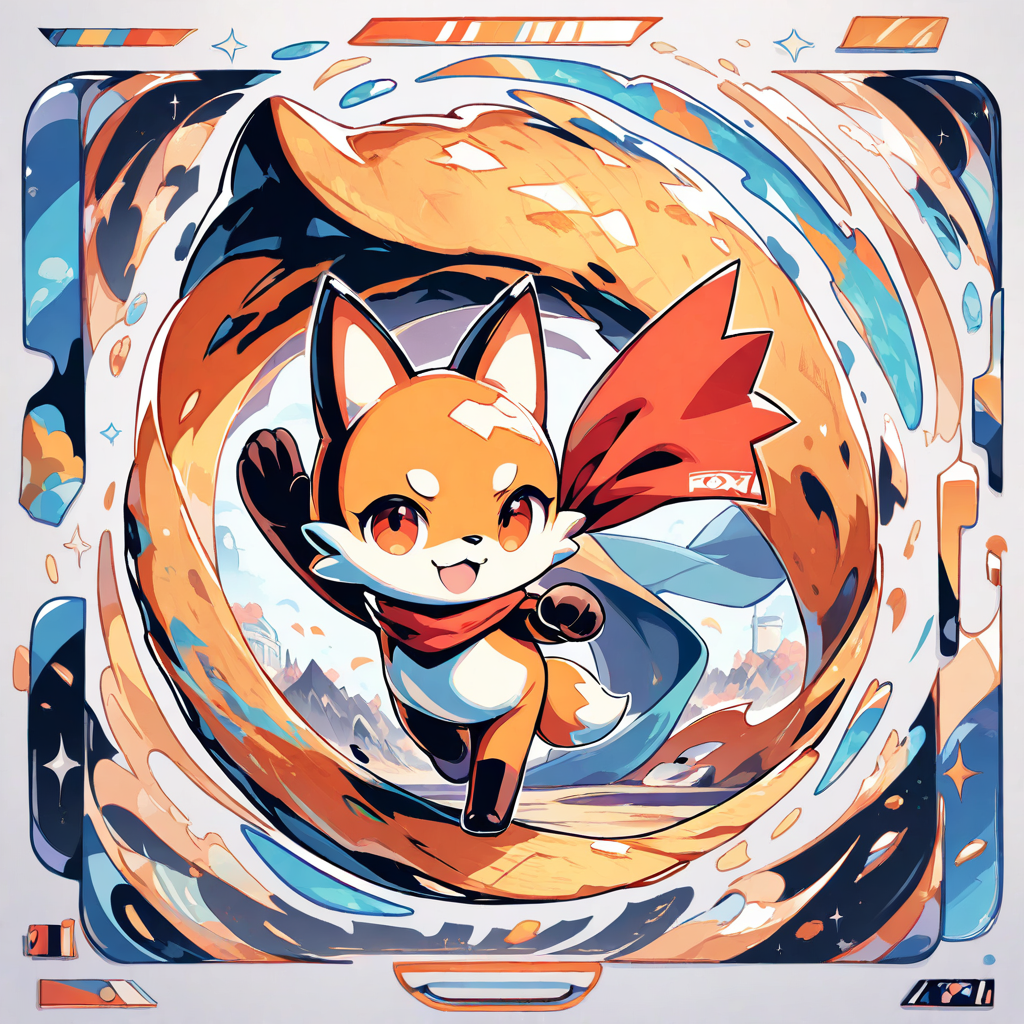
cartoon mascot, bright hoodie, big smile, bold outlines, white background

Build stylized scene illustrations

From storybook visuals to poster-friendly scenes, the AI Cartoon Generator helps you create readable, expressive compositions with more playful shape language and stronger color direction.
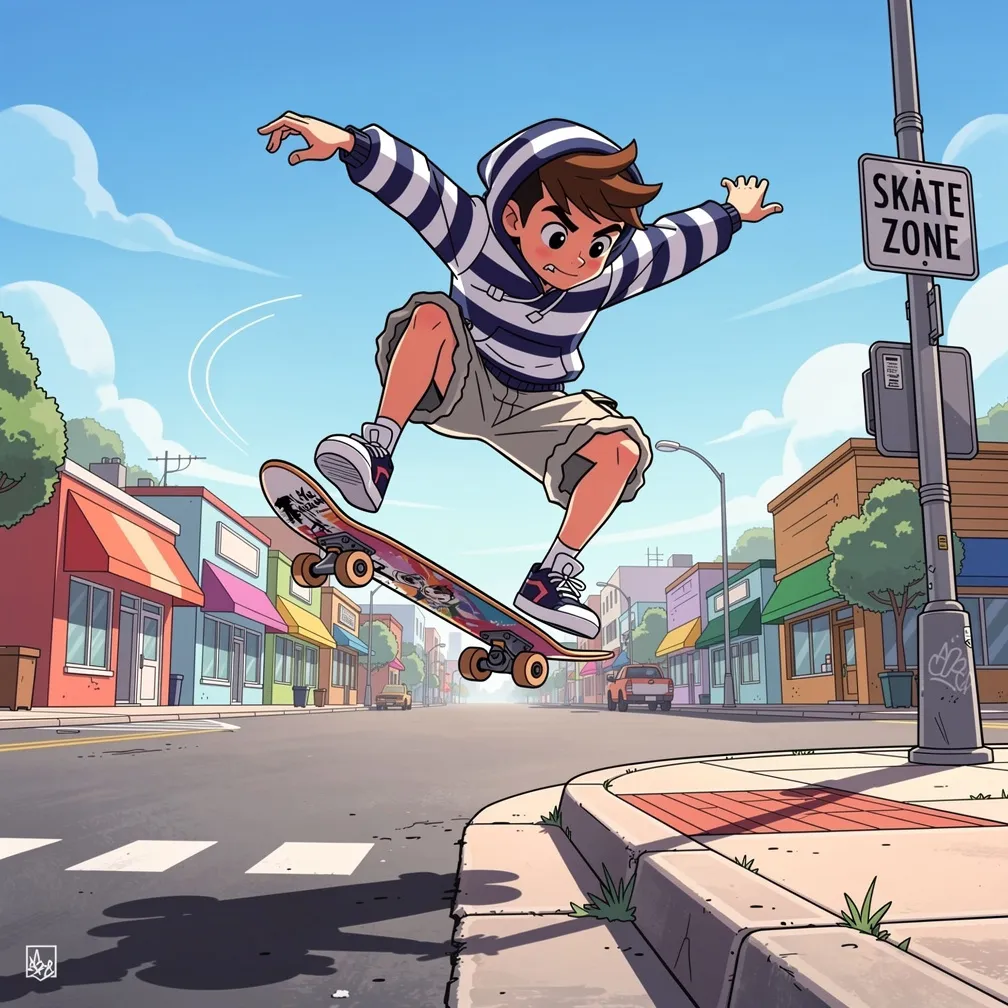
cartoon city scene, dynamic hero pose, colorful storefronts, cel-shaded lighting

Start free and iterate quickly

Try the AI Cartoon Generator with free credits, then scale up with a subscription when you need more cartoon variations, brand mascots, or visual concepts from one AI Cartoon Generator workflow.
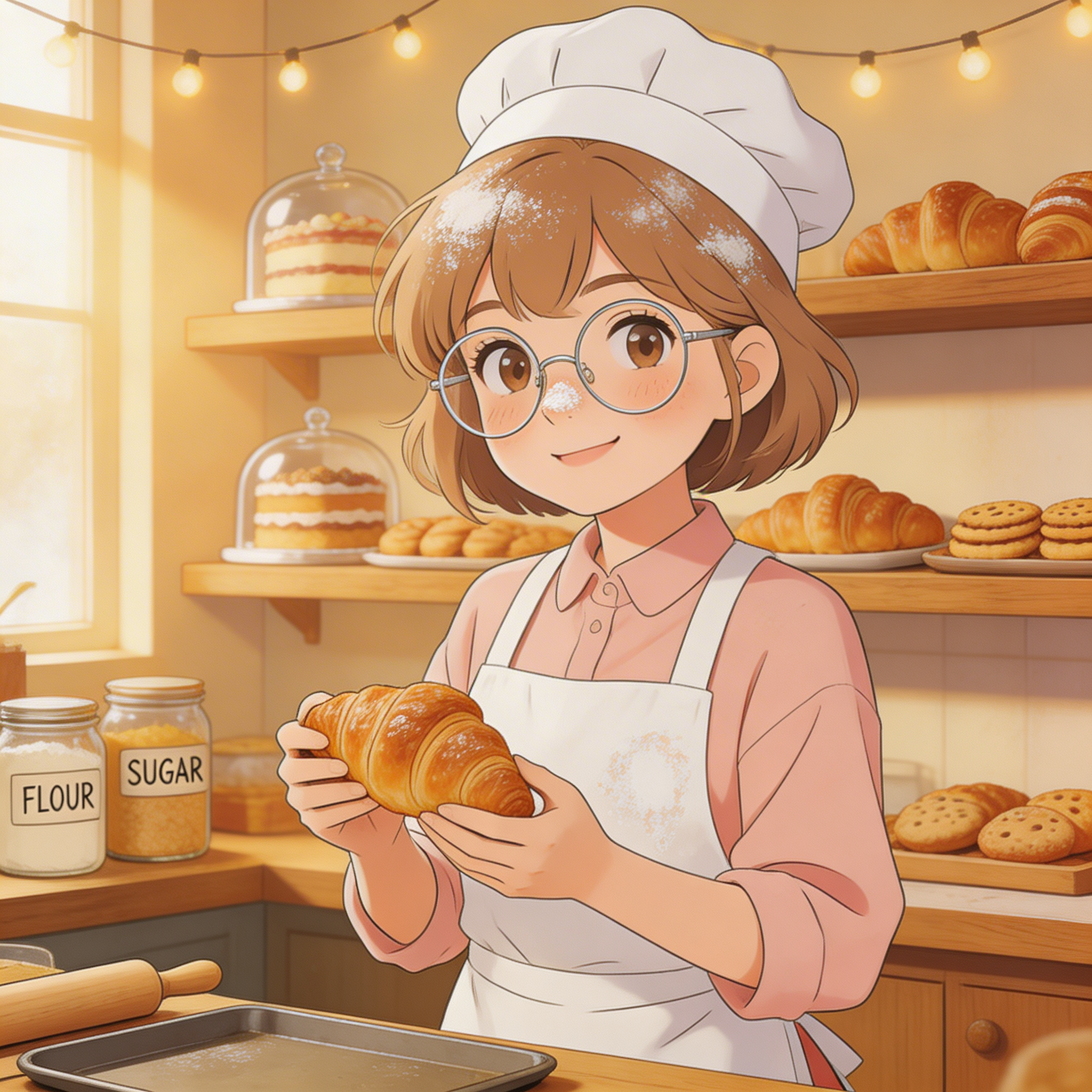
storybook baker, warm palette, cozy shop interior, clean cartoon illustration

AI Cartoon Generator Features for Clean Stylized Results

The AI Cartoon Generator is tuned for readable shapes, expressive faces, bold outlines, and colorful illustration workflows, making it useful for creators who need polished cartoon images fast. The AI Cartoon Generator also fits mascot, editorial, and branded illustration work.

Cartoon-Focused Prompting

Describe characters, expressions, props, colors, and scene mood so the AI Cartoon Generator can build clearer cartoon-style images from short prompts.

Models for Cartoon Illustration

Choose models that work well for cartoon portraits, mascots, story scenes, and stylized commercial artwork in the AI Cartoon Generator workflow.

Flexible Ratios for Cartoon Use Cases

Generate square mascot art, portrait posters, and widescreen cartoon scenes with ratios that fit social, editorial, and marketing needs in the AI Cartoon Generator.

Clean Lines, Fast Output

Optimized rendering helps the AI Cartoon Generator keep outlines crisp, colors vibrant, and shapes readable without slowing down your workflow.

Choose Your Plan

Flexible pricing options for different needs

Starter
$95.90/year
Billed annually (20% off)

For casual creators

  • 400 credits / month
  • Auto-renewal
  • Standard support
  • Fast queue
  • Customized requirements
Most Popular
Pro
$191.90/year
Billed annually (20% off)

Best value for anime lovers

  • 1000 credits / month
  • Auto-renewal
  • Priority support
  • Fast queue
  • Customized requirements
Ultra
$383.90
Billed annually (20% off)

Built for power users

  • 3000 credits / month
  • Auto-renewal
  • Dedicated support
  • Fast queue
  • Customized requirements

Discover More AnimeGen Tools

Explore related anime image products for scene generation, profile-ready avatars, and original character design.

  • Core Generator

    AI Anime Generator

    Create anime scenes, illustrations, and concept visuals from text prompts with flexible models and aspect ratios.

    Explore the generator
  • Avatar Tool

    AI Anime Avatar Generator

    Generate polished anime avatars for social profiles, creator branding, and community identities with cleaner portrait framing.

    Create an avatar
  • Character Tool

    AI Anime Character Generator

    Design original anime characters with clear outfits, expressive poses, and concept-friendly compositions for games and stories.

    Design a character
  • Wallpaper Tool

    AI Anime Wallpaper Generator

    Create anime wallpapers with clearer character focus, cleaner screen composition, and flexible formats for desktop and mobile.

    Create a wallpaper

AI Cartoon Generator FAQ

Everything you need to know about creating cartoon-style images online with the AI Cartoon Generator, from prompt writing to practical usage. This AI Cartoon Generator FAQ focuses on the questions most users ask before generating.

Can I try the AI Cartoon Generator for free?

Yes. New users get free credits so they can test the AI Cartoon Generator before upgrading.

How does the AI Cartoon Generator work?

Enter a cartoon prompt, choose a model and aspect ratio, and the AI Cartoon Generator creates a stylized cartoon image from your description.

What makes a good cartoon prompt?

Include the subject, expression, outfit, props, color palette, and scene style so the AI Cartoon Generator can keep the final image readable and consistent.

Which aspect ratio is best for cartoon images?

It depends on the use case. Square works well for mascots and icons, portrait ratios fit posters, and widescreen ratios are useful for cartoon scenes and banners in the AI Cartoon Generator.

How many credits does cartoon generation use?

Credit cost depends on the model you choose. The AI Cartoon Generator shows the required credits before you generate.

Can I use my generated cartoon art commercially?

Yes, as long as your use follows our terms and applicable laws. Many users create brand mascots, social graphics, and marketing visuals this way with the AI Cartoon Generator.

How long does cartoon generation take?

Most cartoon generations finish in seconds, depending on the model and current system load in the AI Cartoon Generator. Clear prompts usually lead to faster review and iteration.

Do you moderate unsafe cartoon content?

Yes. The AI Cartoon Generator follows the same safety rules used across the platform to block prohibited content.