
Core Generator
AI Anime Generator
Create anime scenes, illustrations, and concept visuals from text prompts with flexible models and aspect ratios.
Explore the generatorHow To Use
Create a downloadable clip from text or an image in three simple steps.
Write a scene prompt, or upload an image as the opening frame and describe how its subject and camera should move.
Pick a short duration for quick tests, or raise the AI Anime Video Generator resolution when you need sharper output.
Start the AI Anime Video Generator, wait for processing, preview the result, and download the video when it is ready.
Anime Video Prompt Showcase
Use these examples to shape character action, camera movement, and scene mood in the AI Anime Video Generator.
Use the AI Anime Video Generator to move beyond a still image and create a short animated moment with character action and camera direction.
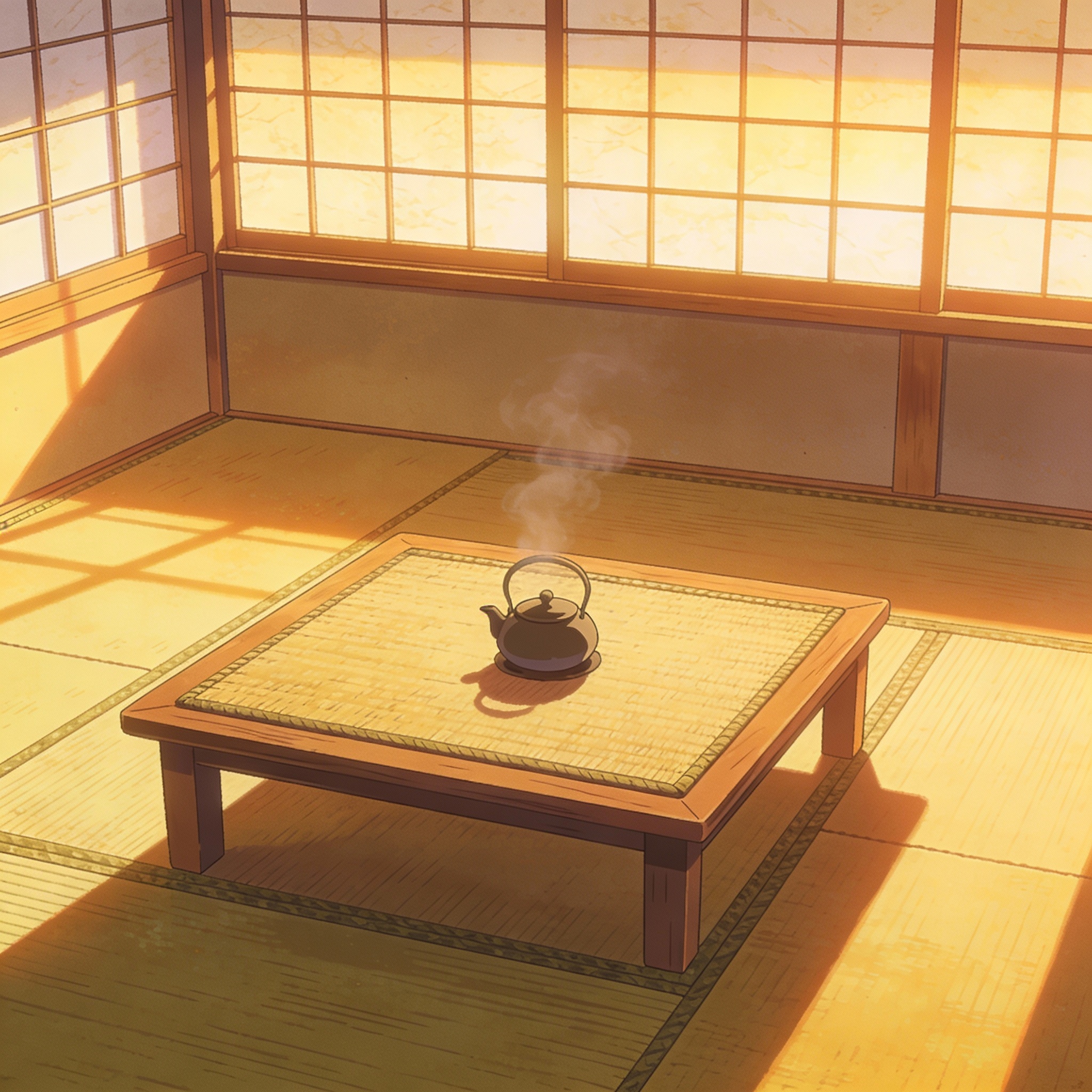
Generate short 5-second tests or clips up to 30 seconds for social posts, music visuals, concept teasers, and story-driven drafts.
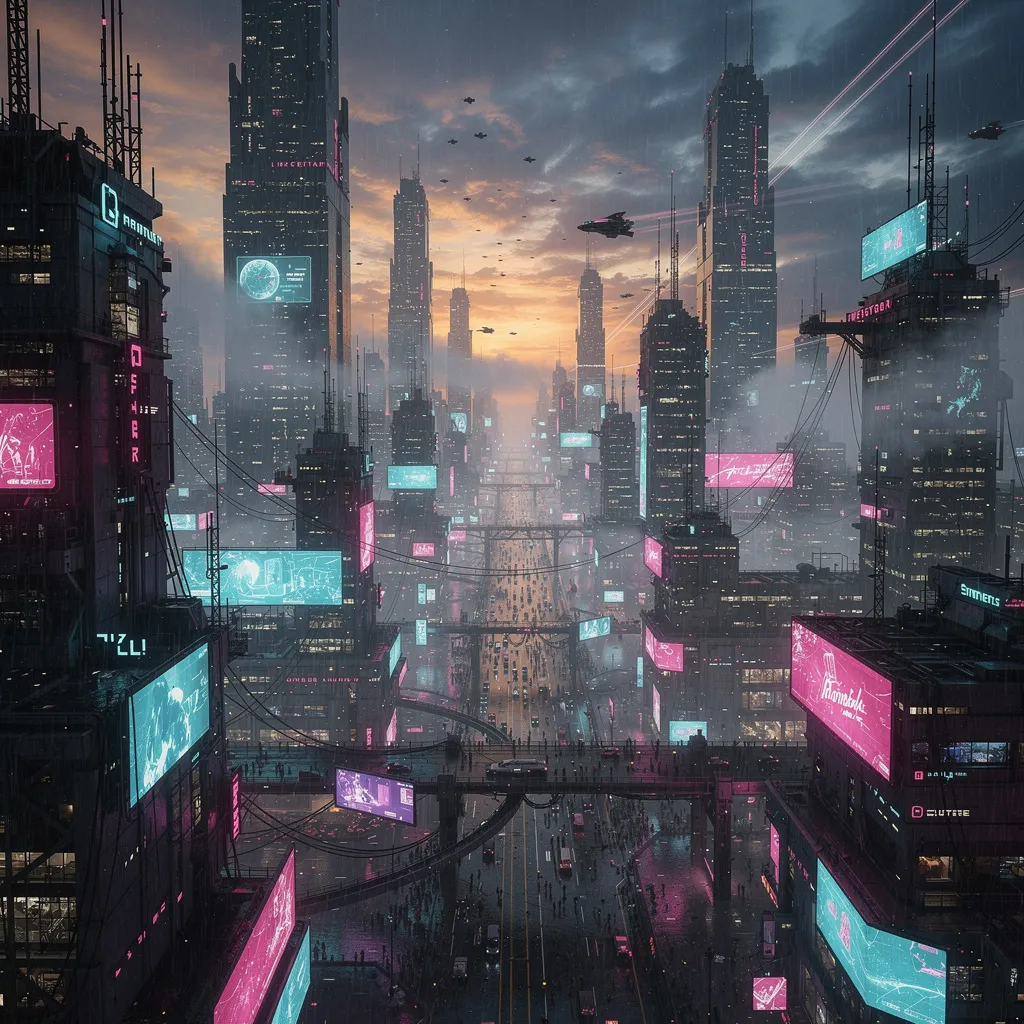
Use 480p for fast drafts, 720p for balanced quality, or Seedance 2.0 at 1080p when the final video needs sharper detail.
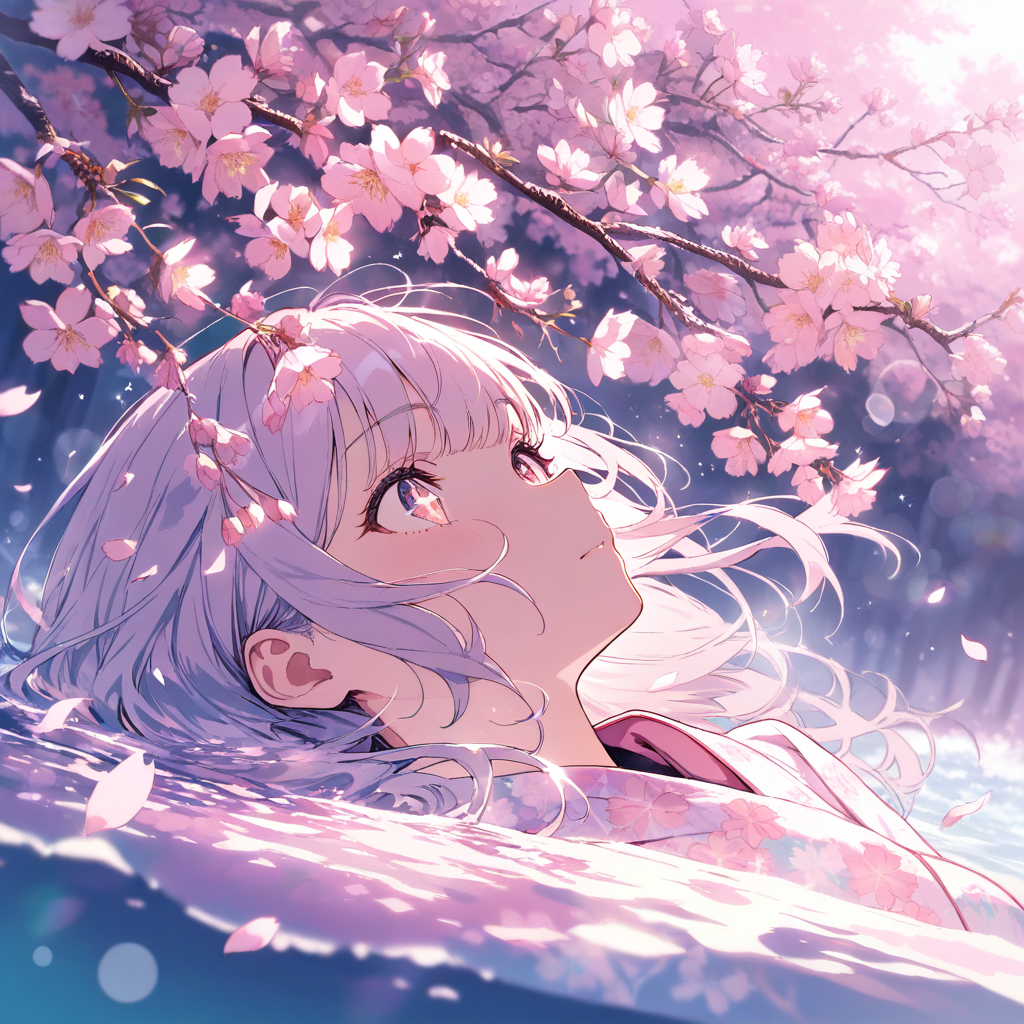
Create anime clips from a prompt or animate a still image while controlling motion, camera direction, and atmosphere.
Describe characters, action, camera movement, setting, and mood so the AI Anime Video Generator can produce clearer animated scenes.
Choose Seedance 2.0 for lower-cost renders up to 1080p, or Seedance 2.5 for native audio and coherent clips up to 30 seconds.
Choose 5 to 10 seconds with Seedance 2.0 or up to 30 seconds with Seedance 2.5. Resolution options depend on the selected model.
Review the AI Anime Video Generator result in your browser, then download it for social posts, storyboards, or creative drafts.
Flexible pricing options for different needs
For casual creators
Best value for anime lovers
Built for power users
Explore related anime image products for scene generation, profile-ready avatars, and original character design.
Create anime scenes, illustrations, and concept visuals from text prompts with flexible models and aspect ratios.
Explore the generatorDraft black and white manga panels, multi-panel pages, and covers with ink lines, screentones, and room for dialogue.
Create manga panels and pagesCreate colorful cartoon characters, playful scenes, and stylized illustrations with a workflow tuned for clean outlines and readable shapes.
Create cartoon artGenerate polished anime avatars for social profiles, creator branding, and community identities with cleaner portrait framing.
Create an avatarDesign original anime characters with clear outfits, expressive poses, and concept-friendly compositions for games and stories.
Design a characterCreate anime wallpapers with clearer character focus, cleaner screen composition, and flexible formats for desktop and mobile.
Create a wallpaperUpload an existing photo and redraw it in anime style while keeping the subject, pose, and recognizable details.
Convert a photoCreate cute characters with oversized heads, tiny bodies, and expressive faces from text or a reference image.
Create a chibiAnswers about text-to-video, image-to-video, credits, quality, and practical use.