AI Anime Video Generator

Create smooth anime short videos with the AI Anime Video Generator

126 credits required

How To Use

How to use the AI Anime Video Generator

Create a downloadable clip with the AI Anime Video Generator in three simple steps.

01

Write the video prompt

Describe the subject, action, scene, camera motion, lighting, and anime style so the AI Anime Video Generator has clear direction.

02

Set duration and resolution

Pick a short duration for quick tests, or raise the AI Anime Video Generator resolution when you need sharper output.

03

Generate and download

Start the AI Anime Video Generator, wait for processing, preview the result, and download the video when it is ready.

Tip: Strong AI Anime Video Generator prompts include motion verbs, camera direction, scene continuity, and lighting cues.
Character RevealSample prompt
Rainy station entrance
anime girl at a rainy train station, neon reflections, hair moving in the wind, slow camera push in, cinematic lighting
Slow motionCharacter focusRain mood
Model: AnimagineFormat: 2:3
Action SceneSample prompt
Rooftop chase shot
anime boy running across rooftops at sunset, coat fluttering, dynamic follow camera, glowing city skyline
Camera pushAction beat16:9 video
Model: Flux-2-MaxFormat: 16:9
Fantasy MomentSample prompt
Floating shrine lights
anime shrine maiden in a moonlit forest, paper lanterns floating upward, gentle orbit camera, magical particles
Magic glowSunset lightOrbit shot
Model: Seedream-4.5Format: 3:2

Anime Video Prompt Showcase

AI Anime Video Generator prompts for stronger motion

Use these examples to shape character action, camera movement, and scene mood in the AI Anime Video Generator.

Use action words like walking, turning, floating, smiling, or running to guide visible motion in the AI Anime Video Generator.
Give the AI Anime Video Generator camera cues such as slow push in, orbit shot, handheld follow, or wide establishing shot.
Keep the scene focused so the AI Anime Video Generator can preserve character and background consistency.
Tip: One clear subject plus one clear camera move usually helps the AI Anime Video Generator produce a more coherent clip.

Turn a scene idea into anime motion

Use the AI Anime Video Generator to move beyond a still image and create a short animated moment with character action and camera direction.
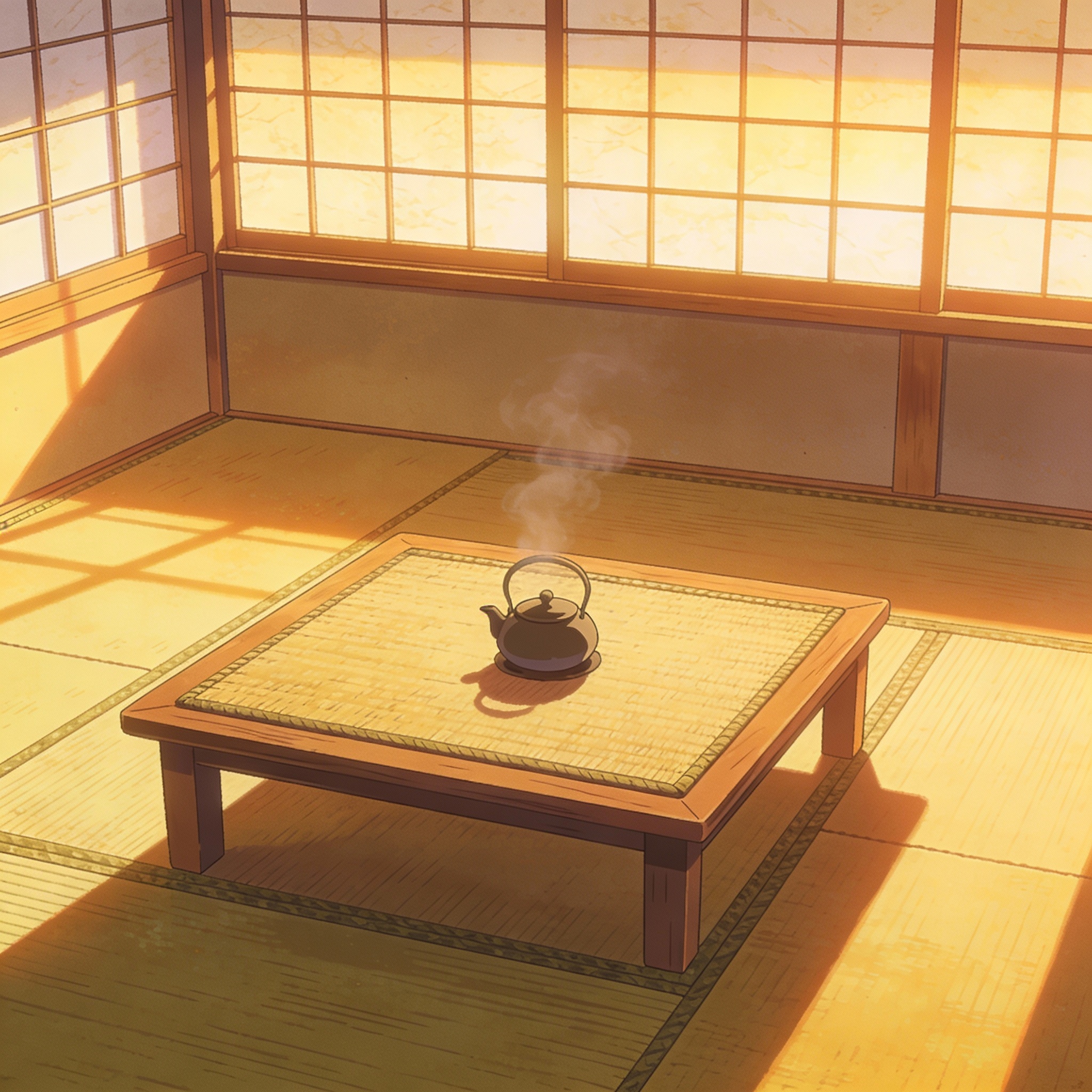
anime girl, rainy station, neon reflections, slow camera push in

Create social-ready clips with the AI Anime Video Generator

Short 5 to 10 second clips from the AI Anime Video Generator work well for social posts, music visuals, concept teasers, and story-driven drafts.
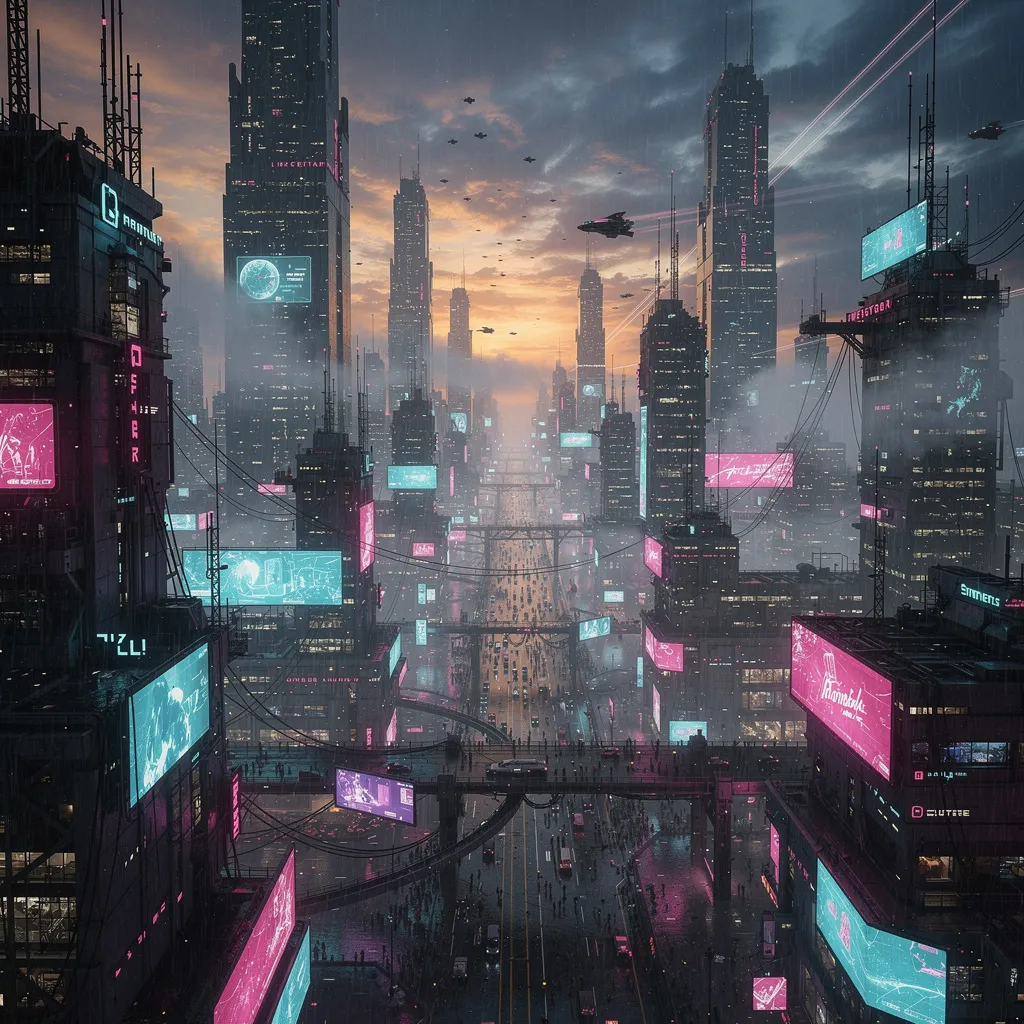
anime city rooftop chase, sunset, dynamic follow camera

Control AI Anime Video Generator quality with credits

Use the AI Anime Video Generator at 480p for fast drafts, 720p for balanced quality, or 1080p when the final video needs sharper detail.
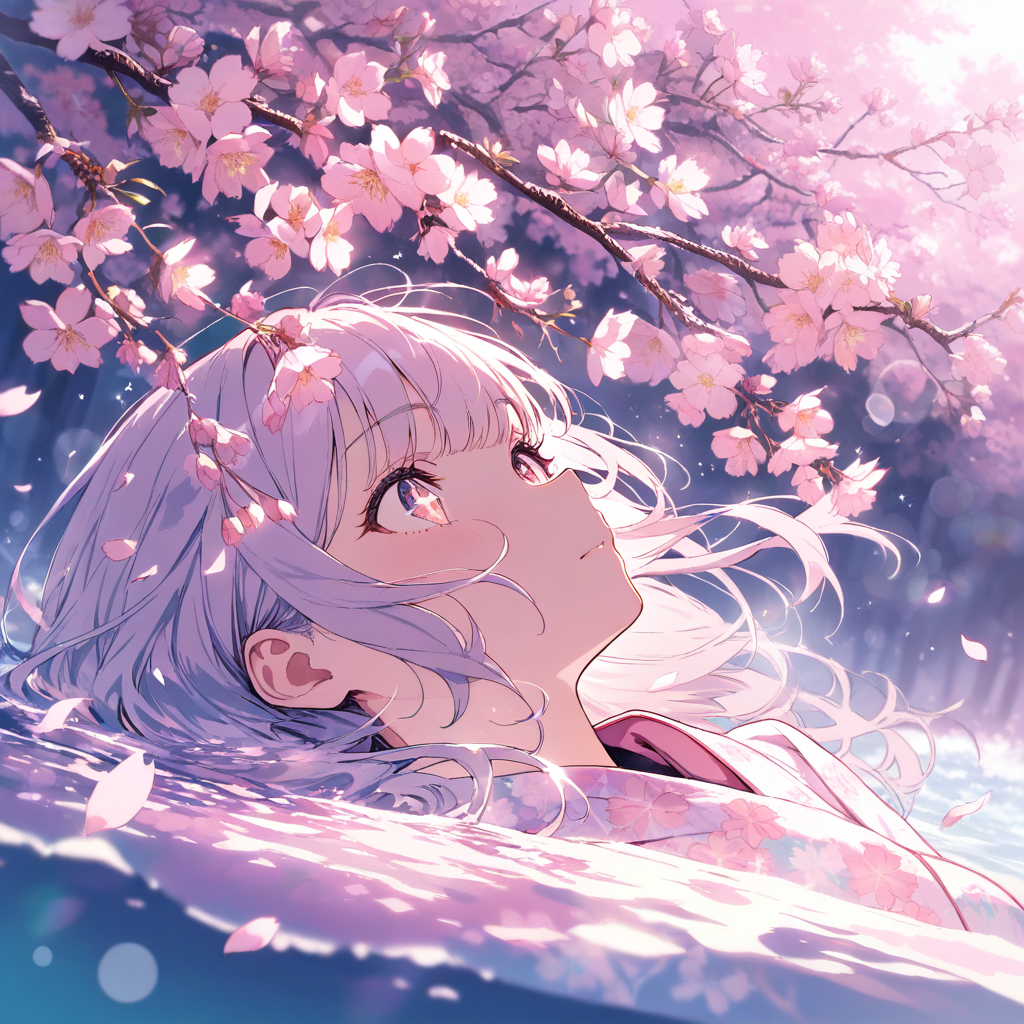
anime fantasy forest, lanterns rising, orbit camera, magical glow

AI Anime Video Generator Features for Short Anime Clips

The AI Anime Video Generator is tuned for prompt-to-video workflows where motion, camera direction, and anime atmosphere matter.

AI Anime Video Generator Prompt Control

Describe characters, action, camera movement, setting, and mood so the AI Anime Video Generator can produce clearer animated scenes.

Seedance 2.0 Video Model

The AI Anime Video Generator uses a dedicated text-to-video model built for anime motion, scene continuity, and cinematic direction.

AI Anime Video Generator Duration and Resolution

Choose 5, 7, or 10 seconds in the AI Anime Video Generator, then render at 480p, 720p, or 1080p to match your speed, quality, and credit needs.

Preview and Download

Review the AI Anime Video Generator result in your browser, then download it for social posts, storyboards, or creative drafts.

Choose Your Plan

Flexible pricing options for different needs

Starter
$95.90/year
Billed annually (20% off)

For casual creators

  • 400 credits / month
  • Auto-renewal
  • Standard support
  • Fast queue
  • Customized requirements
Most Popular
Pro
$191.90/year
Billed annually (20% off)

Best value for anime lovers

  • 1000 credits / month
  • Auto-renewal
  • Priority support
  • Fast queue
  • Customized requirements
Ultra
$383.90
Billed annually (20% off)

Built for power users

  • 3000 credits / month
  • Auto-renewal
  • Dedicated support
  • Fast queue
  • Customized requirements

Discover More AnimeGen Tools

Explore related anime image products for scene generation, profile-ready avatars, and original character design.

  • Core Generator

    AI Anime Generator

    Create anime scenes, illustrations, and concept visuals from text prompts with flexible models and aspect ratios.

    Explore the generator
  • Cartoon Tool

    AI Cartoon Generator

    Create colorful cartoon characters, playful scenes, and stylized illustrations with a workflow tuned for clean outlines and readable shapes.

    Create cartoon art
  • Avatar Tool

    AI Anime Avatar Generator

    Generate polished anime avatars for social profiles, creator branding, and community identities with cleaner portrait framing.

    Create an avatar
  • Character Tool

    AI Anime Character Generator

    Design original anime characters with clear outfits, expressive poses, and concept-friendly compositions for games and stories.

    Design a character
  • Wallpaper Tool

    AI Anime Wallpaper Generator

    Create anime wallpapers with clearer character focus, cleaner screen composition, and flexible formats for desktop and mobile.

    Create a wallpaper

AI Anime Video Generator FAQ

Answers about prompt-to-video generation, credits, quality, and practical use.

Can I try the AI Anime Video Generator for free?

New users receive free credits, but the AI Anime Video Generator uses more credits than image generation because pricing depends on duration and resolution.

Which model does the AI Anime Video Generator use?

The AI Anime Video Generator uses Replicate Seedance 2.0 for text-to-video generation with an anime-focused prompt layer.

How many credits does an anime video cost?

AI Anime Video Generator credit cost depends on duration and resolution: 480p uses 8 credits per second, 720p uses 18 credits per second, and 1080p uses 45 credits per second.

What duration can I generate?

The page supports 5, 7, and 10 second anime videos so you can balance speed, cost, and scene length.

What makes a good anime video prompt?

Include one clear subject, visible action, camera movement, setting, lighting, and mood. Avoid cramming several unrelated scenes into one prompt.

Can I download the generated video?

Yes. When the task is complete, you can preview the anime video and download the generated file.

Can I use generated anime videos commercially?

Commercial use depends on your prompt, rights to referenced material, and our terms. Avoid using protected characters, brands, or content you do not have rights to use.

Why does video generation take longer than image generation?

Video generation must create multiple coherent frames and motion, so it usually needs more processing time and credits than a single image.