
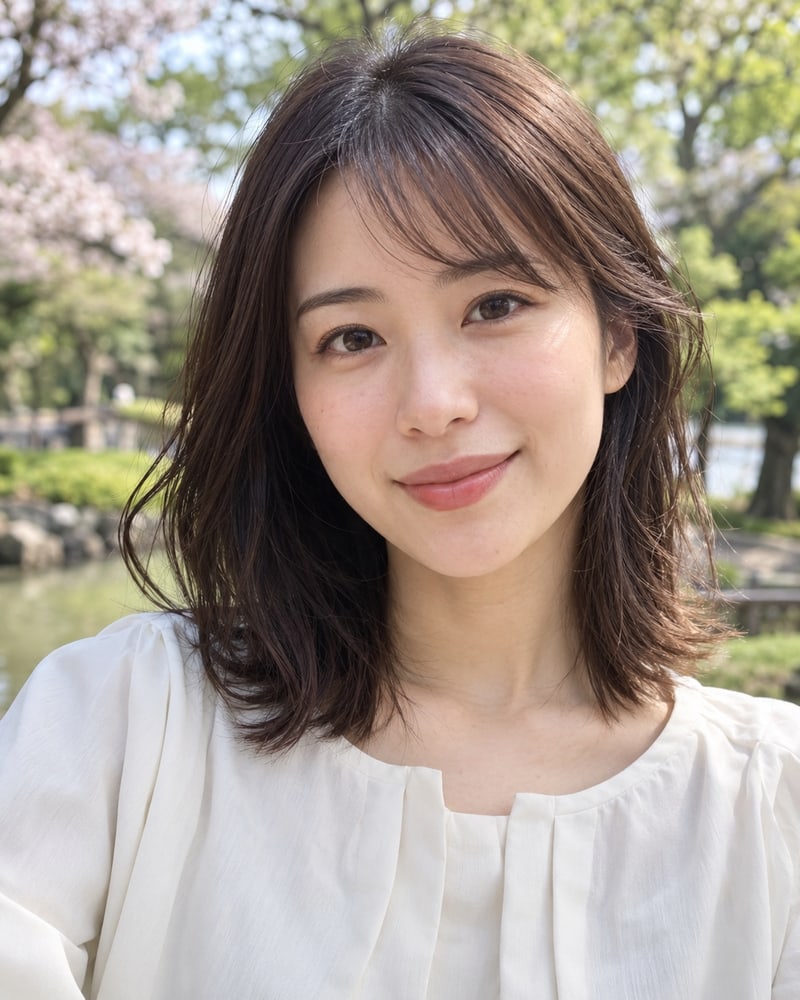
 Before photo
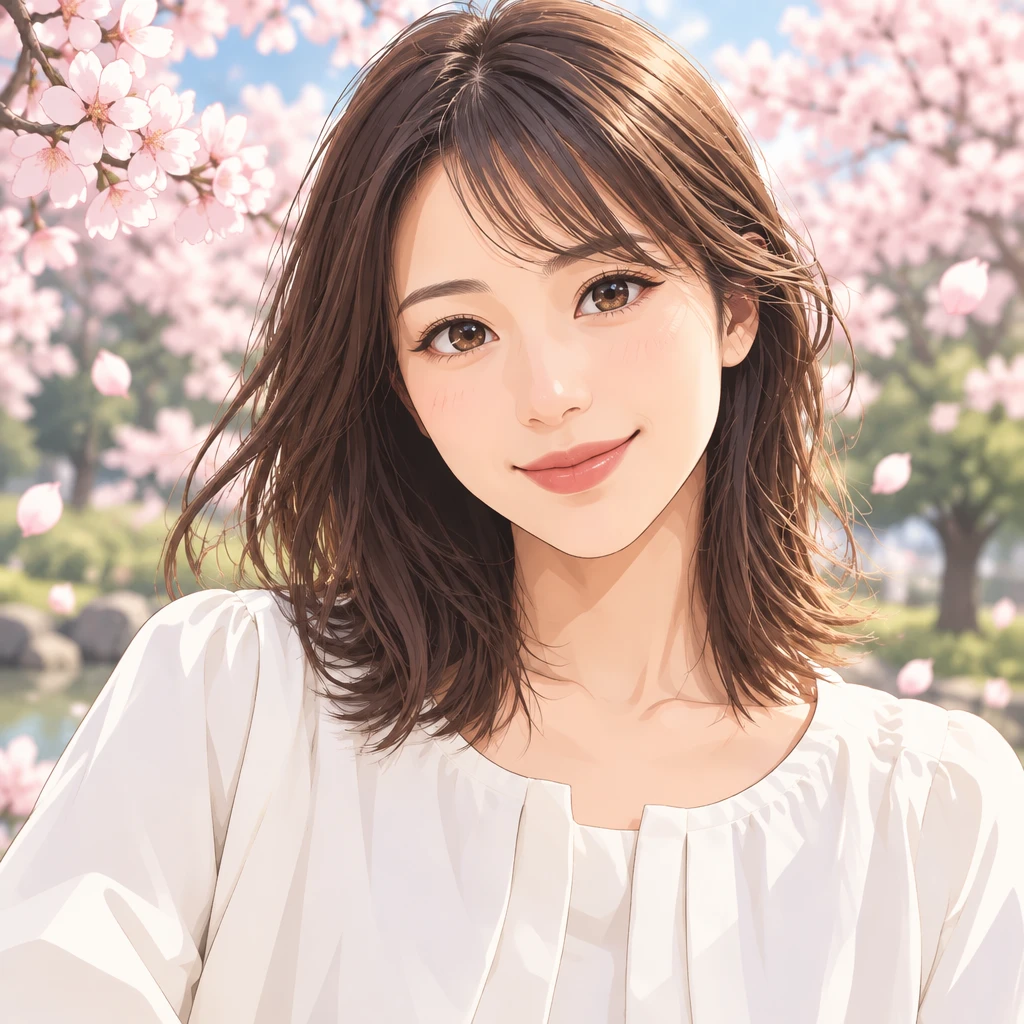 Anime result
Selfie to anime portrait
Sample prompt: Clean modern anime portrait, soft cel shading, detailed eyes, natural skin tones, simple sakura background
Modern animeSoft cel shadingPortrait
Model: GPT Image 2.5
How To Use
use a clear, well-lit, front-facing photo; JPG / PNG / WebP up to 10MB; one subject per photo works best.
pick a style preset (modern TV anime, 90s cel, watercolor, cyberpunk) and an aspect ratio that matches your original photo.
the converter redraws your photo in anime style, keeps the pose and face, and gives you a downloadable high-resolution image.
Before photoAnime resultSample prompt: Clean modern anime portrait, soft cel shading, detailed eyes, natural skin tones, simple sakura background
Model: GPT Image 2.5
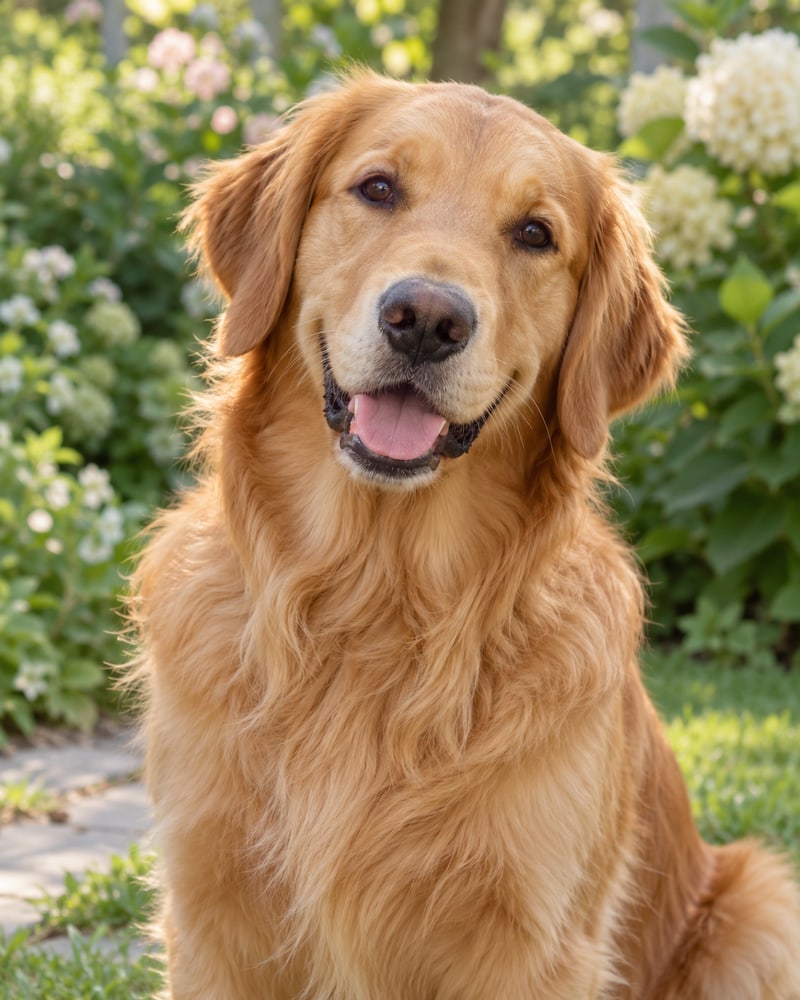 Before photo
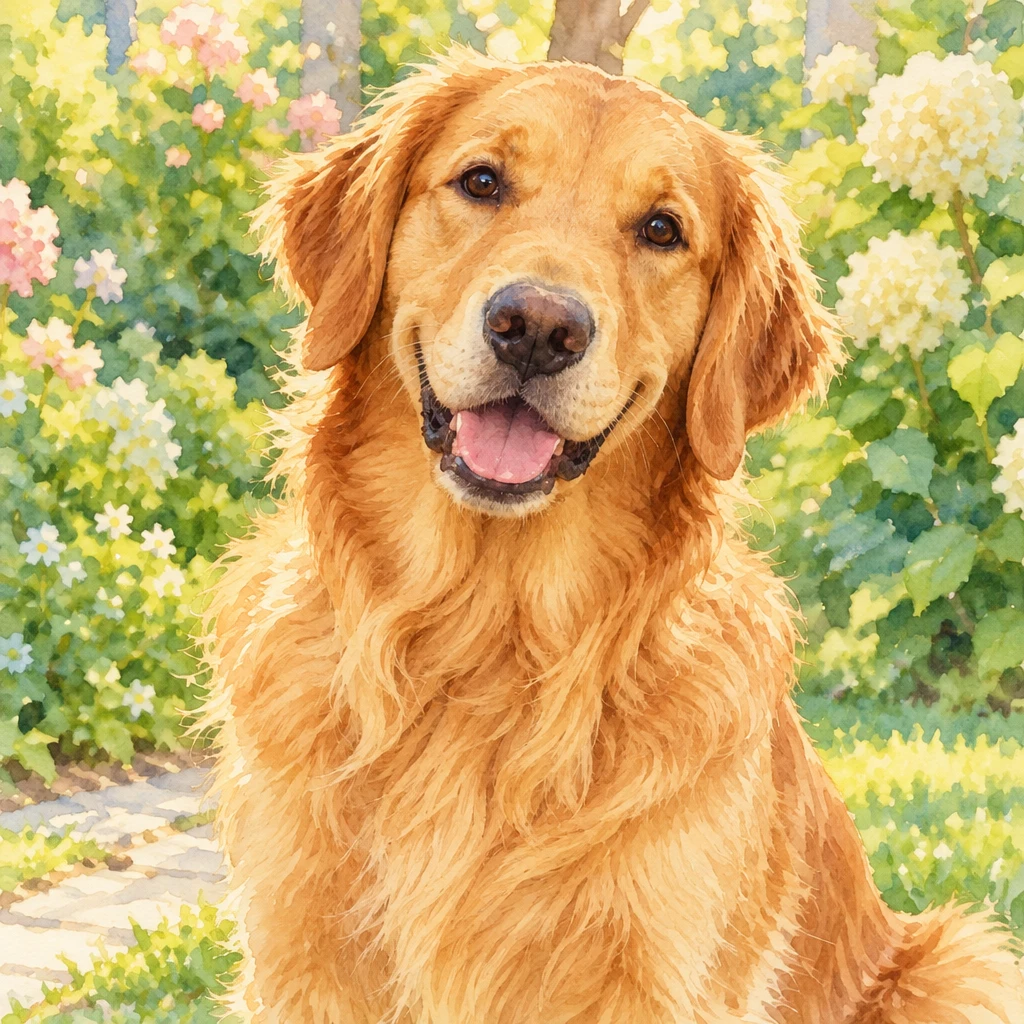 Anime result
Sample prompt: Warm watercolor anime illustration, preserve the pet's markings and expression, soft garden background
Model: GPT Image 2.5
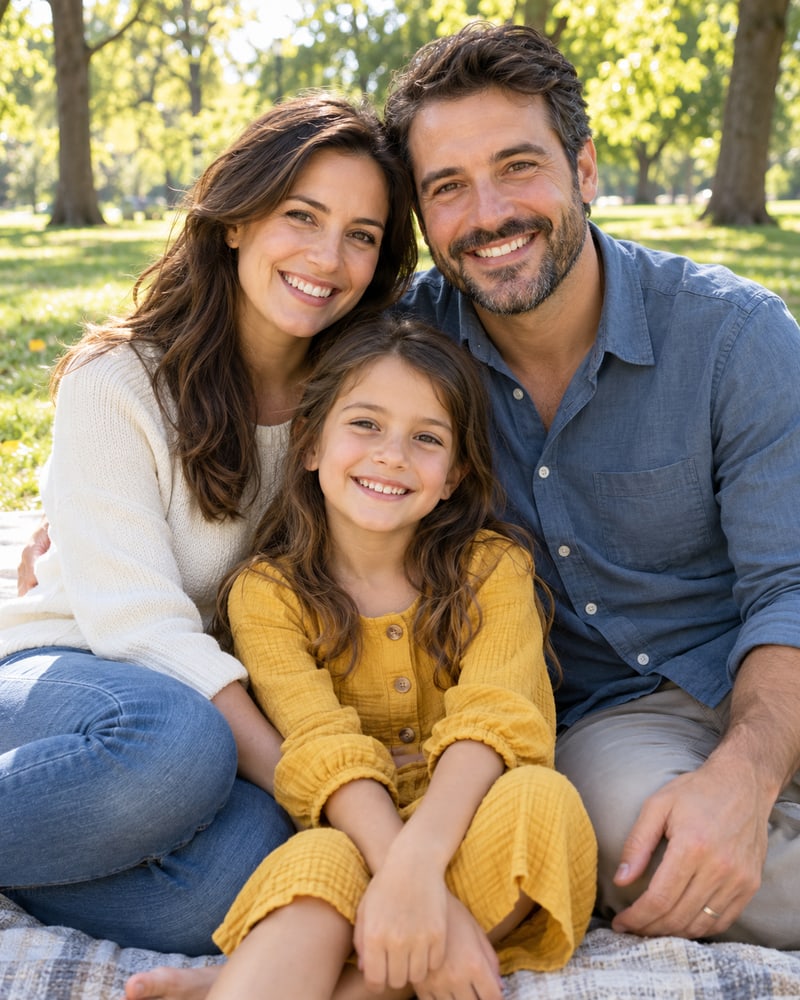 Before photo
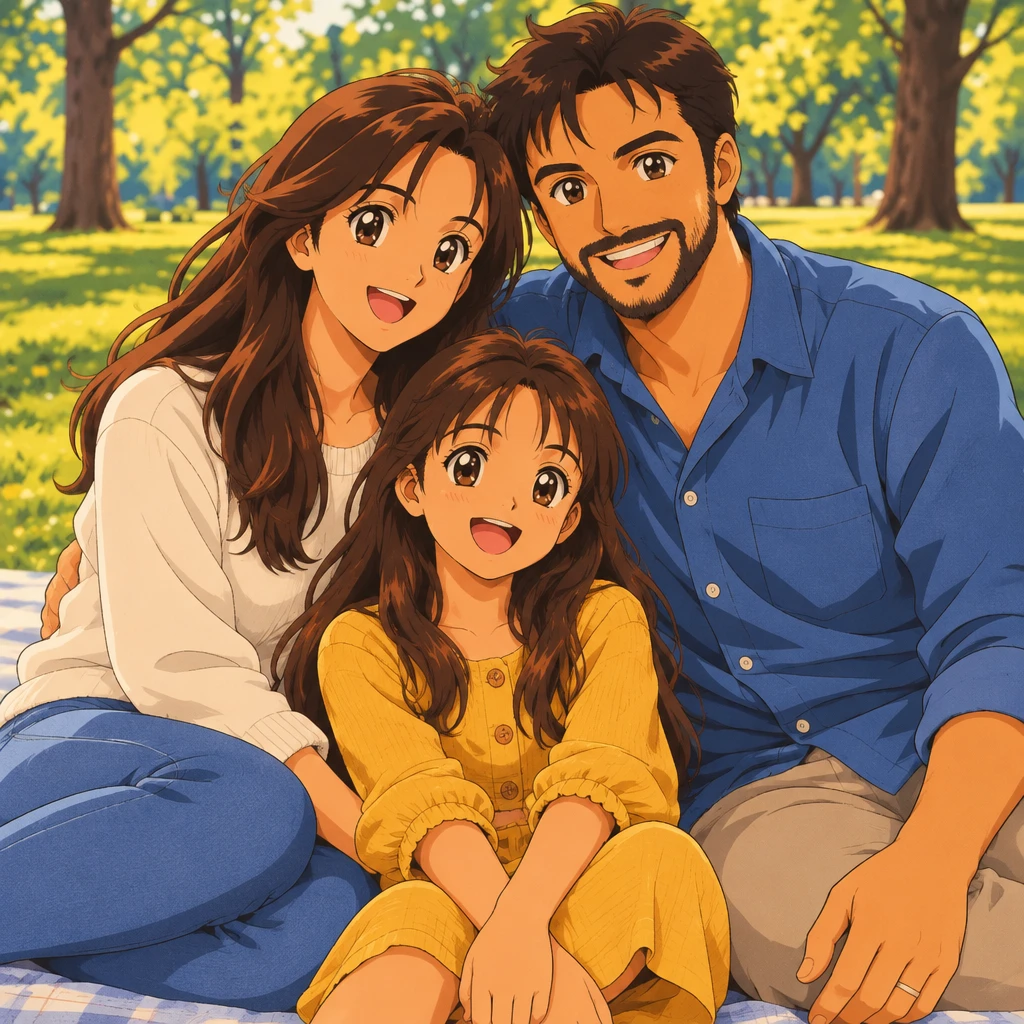 Anime result
Sample prompt: 90s cel anime family scene, keep each person's pose and clothing colors, warm afternoon light
Model: GPT Image 2.5
Photo to anime and image to anime describe the same task: converting an existing picture into an anime style. People often say photo to anime for portraits and camera shots, while image to anime can also refer to illustrations, scans, or other source files. Both are handled by this same page, with the uploaded picture guiding the subject, pose, and composition.
If you do not have a source photo, use the AI Anime Generator to create anime art from a text description instead.
face shape, hairstyle, expression and pose from the original photo are preserved rather than replaced.
switch between anime styles without re-uploading; compare results side by side.
phone shots, scanned prints, old photos; landscape and portrait both supported.
finished in seconds, download at full resolution for printing or profile use.
Flexible pricing options for different needs
For casual creators
Best value for anime lovers
Built for power users
Explore related anime image products for scene generation, profile-ready avatars, and original character design.
Create anime scenes, illustrations, and concept visuals from text prompts with flexible models and aspect ratios.
AI Anime GeneratorDraft black and white manga panels, multi-panel pages, and covers with ink lines, screentones, and room for dialogue.
Create manga panels and pagesCreate colorful cartoon characters, playful scenes, and stylized illustrations with a workflow tuned for clean outlines and readable shapes.
Create cartoon artGenerate polished anime avatars for social profiles, creator branding, and community identities with cleaner portrait framing.
anime avatar generatorDesign original anime characters with clear outfits, expressive poses, and concept-friendly compositions for games and stories.
anime character generatorCreate anime wallpapers with clearer character focus, cleaner screen composition, and flexible formats for desktop and mobile.
Create a wallpaperTurn prompts into anime short videos with motion, camera direction, and polished scene mood.
Turn anime images into videoUpload an existing photo and redraw it in anime style while keeping the subject, pose, and recognizable details.
Convert a photoCreate cute characters with oversized heads, tiny bodies, and expressive faces from text or a reference image.
Create a chibi